Most SaaS landing pages I’m asked to fix have too many sections. Good SaaS landing page design has two jobs. In the first scroll, a buyer should understand what the product does. After that they need proof and one clear next step, and every extra block gets in the way of both.
I’ve spent 7+ years as a freelance product designer, and a big part of that work is designing and building landing pages for B2B SaaS and AI companies in Framer and Webflow. I start almost every one from the same eight sections, in roughly the same order, and I cut the same handful of things from almost every first draft I review.
How I approach SaaS landing page design
I start by asking what a first-time visitor needs to believe before they click the button. For most B2B products the list is short. They need to know what the product does and that it works for teams like theirs. They also need the next step to feel low risk.
Every section on the page should move one of those beliefs forward. When I can’t say which one a section supports, it goes on the cut list.
I also write the copy before I design anything. Early on I use AI to generate and compare copy and layout variations, so by the time a client sees a polished screen, the headline and section order have already been through several rounds. I use Claude alongside Framer AI or Figma AI, and the things I compare are headline variations, section order and CTA wording.
The eight sections, in order
This is the structure I start from. The order changes when a product needs it to, but I rarely add a section.
- Hero
- Proof
- Problem
- Features as outcomes
- How it works
- Pricing teaser
- FAQ
- Final CTA
1. Hero
The hero carries most of the page. It’s where a visitor decides whether to keep scrolling, so it has to say what the product is and who it’s for in plain words.
In the hero I keep:
- A headline that names the outcome for a specific buyer. “Close more deals from the pipeline you already have” beats “The all-in-one revenue platform.”
- A one-sentence subheadline that says what the product actually is.
- One primary CTA. A quieter secondary link is fine if you need it (for example, “See how it works”).
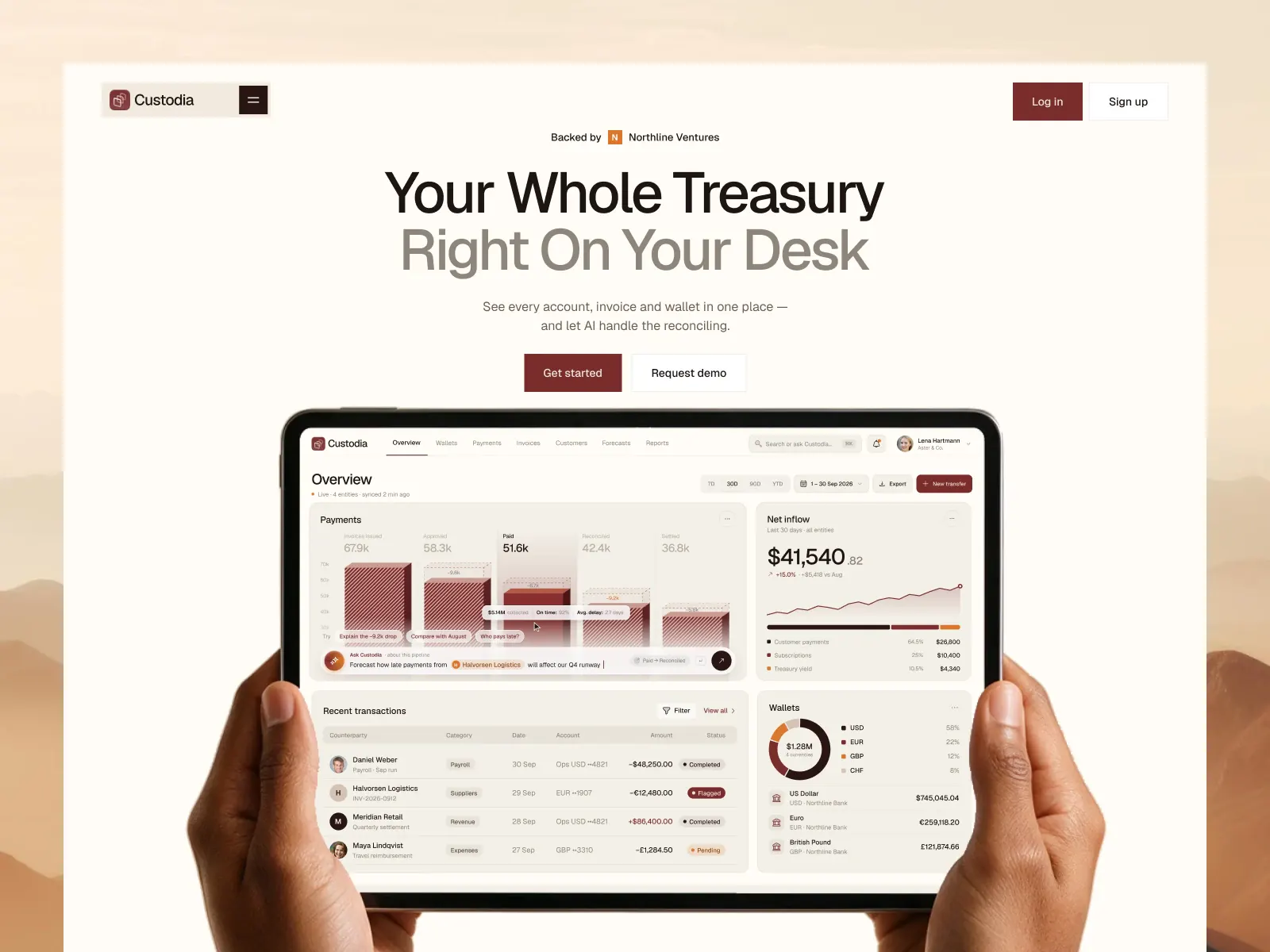
- A real product visual. For B2B, the dashboard is usually the best image you have.
Rotating headlines come out, and so do background videos that delay the first paint. I also drop any second “Request demo” button competing with “Start free trial.”
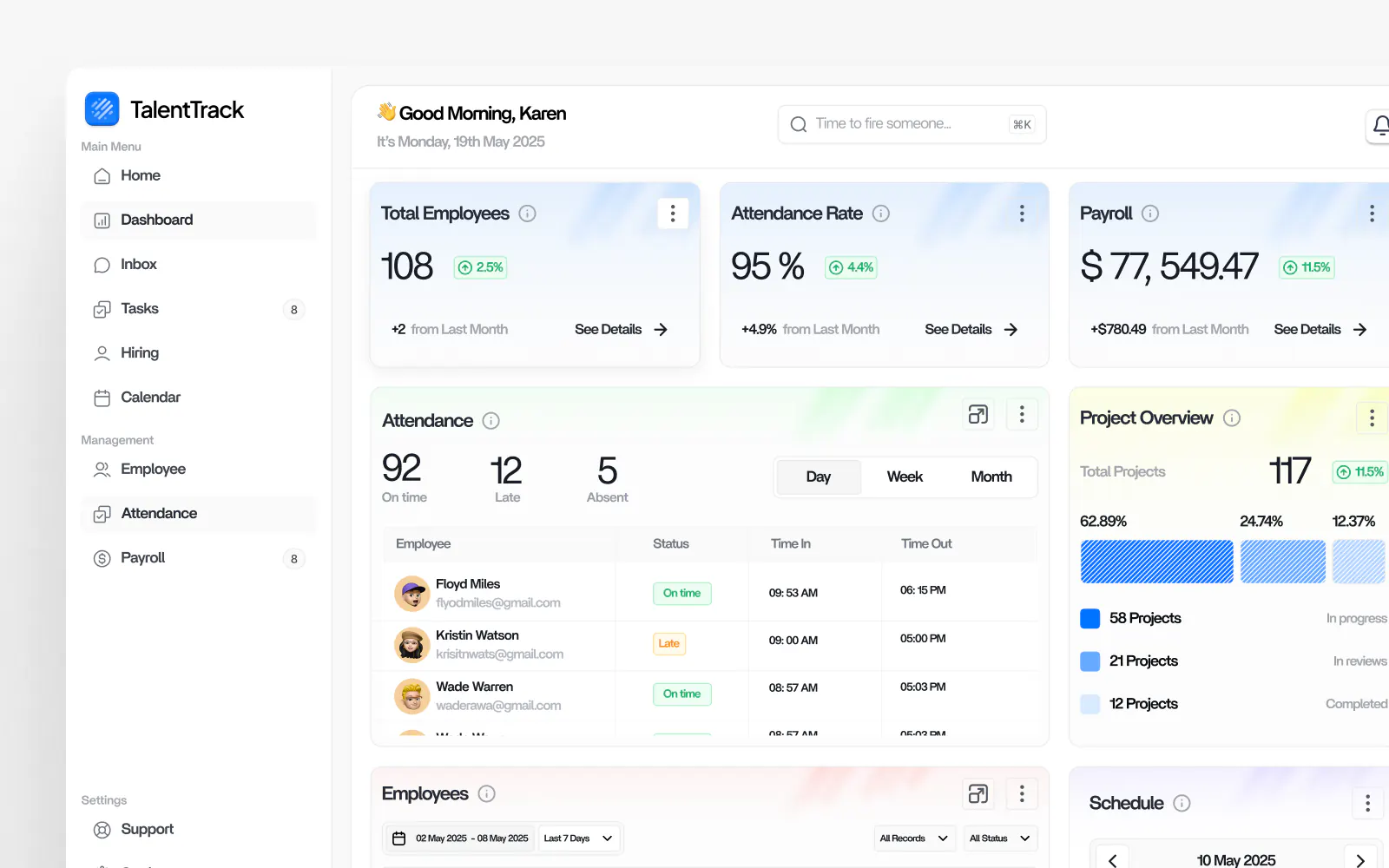
On the CRM SaaS landing page concept in my portfolio, the hero leads with the sales pipeline dashboard itself, because a sales leader recognizes a pipeline view in under a second.
2. Proof
Proof goes right under the hero. Someone who just read a bold claim wants a reason to believe it before they read anything else.
A short row of customer logos works if your buyer recognizes them. If they won’t, I’d rather use one strong testimonial with a name, role and company. Specific numbers help more than adjectives, and a quote like “Cut onboarding time from two weeks to three days” does more work than “Loved by teams everywhere.”
What I take out here is the logo wall of companies nobody in your market has heard of. Star ratings with no source go too, along with testimonials that only say “great product.”
If you’re early and have no logos yet, use what you do have, such as a quote from a design partner or a result from a pilot. Thin, honest proof is still better than an empty section. When there are no client logos to show, I use product screenshots that show the product doing the job.
3. Problem
This section names the pain in the buyer’s own words. Founders skip it more than any other section, usually because they know the problem so well they forget the buyer needs to hear it said.
Keep it to two to four short statements of what the buyer deals with today, written the way a customer would say them on a sales call. “Leads go cold because nobody owns follow-up” names a problem a rep would recognize, while “Inefficient lead management workflows” only names a category.
I leave out scary statistics with no source and long paragraphs about the history of the industry.
4. Features as outcomes
Most pages get long here. My fix is to write every feature as the result it produces and put the screen that delivers it right next to it.
What I keep in this section:
- Three to five feature blocks. Each gets an outcome headline and a real UI crop, with a sentence or two of detail under the headline.
- Alternating image and text layouts so each block reads on its own. If you use feature names at all, put them in small labels above the outcome headline.
I remove the 12-icon feature grid and the internal feature names nobody outside your team uses. “AI-powered” as a headline on its own goes as well, since it doesn’t tell the buyer what the AI does.
In my AI marketing agents SaaS landing page concept, each agent has its own block, and the headline describes the job that agent takes off the team’s plate.
5. How it works
Three steps is the classic format here. I think it holds up because buyers want to know how much effort setup takes, and on complex products this section answers “Will this be a six-month project?”
Use numbered steps, each with a short verb-led title (“Connect your tools”, “Set your rules”, “Let it run”) and one line of detail. For workflow and automation products, a small diagram helps. I cut any step that’s really a feature in disguise, along with integration logos that don’t connect to a step.
One of my portfolio pieces is a landing page for an AI workflow automation product. On a workflow product I’d call this the most important section on the page, because the buyer has to picture their own process running inside the tool.
6. Pricing teaser
A pricing teaser gives the buyer a rough idea of cost without the full plan table. On a homepage-style landing page I usually show the starting price or the plan names, then link to the full pricing page.
Keep a starting price or “from” figure, what’s included at that level, and the link. If you’re sales-led with custom pricing, say that plainly and explain what drives the price. A full comparison table with 40 rows belongs on the pricing page.
7. FAQ
The FAQ handles the objections that would otherwise come up on a sales call. It helps with search too, since buyers type these questions into Google and AI assistants.
Aim for four to eight real questions pulled from sales calls and support tickets. Security, integrations, setup time, contract length and data ownership come up on almost every B2B page I work on. Skip questions nobody asked (“Why is our product the best?”) and answers that link out without answering anything.
8. Final CTA
Repeat the primary CTA at the bottom with one line that restates the outcome. Someone who scrolled this far is interested, so don’t make them hunt for the button.
Use the same CTA label as the hero and add a one-line reassurance (“Free for 14 days, cancel anytime” or “30-minute call, no prep needed”). Nothing else in that block should compete for the click, so a newsletter signup next to the main CTA comes out. So does a footer so tall it looks like a second page.
The cut list
When I review a SaaS landing page, these are the sections and patterns I remove most often.
- A generic stats bar. “10,000+ users, 99.9% uptime, 24/7 support” with no source reads as filler. One stat is worth keeping if it’s real and specific.
- “Meet the team” on a product landing page. It belongs on the About page, unless you’re a very early startup and the founders’ background is the proof.
- Carousels and sliders. Most visitors only ever see the first slide, so pick the best one and show it.
- Multiple competing CTAs. I allow one primary action per page. A second, softer action is fine if it clearly looks secondary.
- Feature grids with a dozen icons. Pick the features that drive the buying decision and give them real space.
- Animation that delays content. Motion should help someone follow the page. If text sits waiting for a scroll effect, I cut the effect.
- A full blog feed. A link to the blog in the nav or footer does the job.
Self-serve and sales-led pages need different middles
The eight sections stay the same. How much weight each one gets depends on how you sell.
A self-serve page (free trial, sign up now) needs a short path to the button. I keep the problem section brief and lean on product visuals, and the CTA shows up again right after the features.
A sales-led B2B page (book a demo) can run longer. The buyer is often building a case for their team, so the problem section gets more room and the FAQ covers security and procurement questions.
Page speed is part of the design
A page can have the right sections and still lose people if it loads slowly. Heavy hero videos and uncompressed images add up fast, stacked animations make it worse, and on mobile the cost is higher again.
It’s one reason I design and build the pages myself. On a finance landing page I designed and developed, the build led to a 30% page load improvement. On a website I designed in Figma and built in Framer for a Texas-based real estate appointment setter, the client saw a 40% increase in booked appointments in two months. A landing page redesign for Sunvoy focused on UX, visual hierarchy, on-page SEO and performance, and it led to a 20% increase in user conversions.
If you’re choosing a platform, I compared the two I use in Framer vs Webflow for SaaS sites. Both can be fast, and which one fits better mostly depends on who will edit the site after launch.
FAQ
How long should a SaaS landing page be?
Long enough to answer the buyer’s questions. For self-serve products that’s often five or six sections. Sales-led B2B pages can run to all eight plus a case study, because the buyer is making a bigger decision.
Should a B2B SaaS landing page show pricing?
In most cases I’d show at least a starting price or the plan names. If your pricing is custom, say so and explain what affects it. When pricing is hidden completely, your calendar tends to fill up with calls from buyers who were never a fit.
Should I build my landing page in Framer or Webflow?
Both work well for SaaS marketing sites. Framer is faster for design-led pages with motion, and Webflow is stronger for larger sites with complex CMS needs. I wrote a full comparison in Framer vs Webflow for SaaS.
How do you test a landing page before launch?
During design I use AI to generate and compare copy and layout variations, then review the strongest options with the client before building. After launch your analytics are the real test. Watch where people stop scrolling and which CTA they click.
Book a free intro call
If your SaaS landing page isn’t pulling its weight, or you’re launching one and want the structure right from the start, I can help. I design and build landing pages in Framer and Webflow for startups and scaling SaaS teams, and I also work white-label with agencies.
You can see the landing pages I’ve designed on my homepage. If you’re budgeting for the project, my SaaS landing pages (design plus Framer build) start at $1,000 to $2,000, and you can read more about what it costs to hire a SaaS product designer.
Book a free intro call and tell me about your product. We’ll go through your current page or plan section by section.