When a founder sends me a rough MVP and a pitch date, this SaaS MVP UX checklist is the first thing I run. Usually that MVP is still an idea plus rough wireframes, before any real build. I’ve freelanced as a product designer for 7+ years with early-stage and scaling B2B SaaS and AI teams, and a lot of that work is turning rough MVPs into structured, investor-ready products. I keep finding the same gaps. A core flow dead-ends on a blank page, or the dashboard opens to an empty grid, or every screen has its own button style. None of it usually needs a full redesign, and all of it shows up in a demo.
Each check comes with a line on what it costs you with users or investors when the answer is no. If your product is data-heavy, read the checks alongside my guide to SaaS dashboard design.
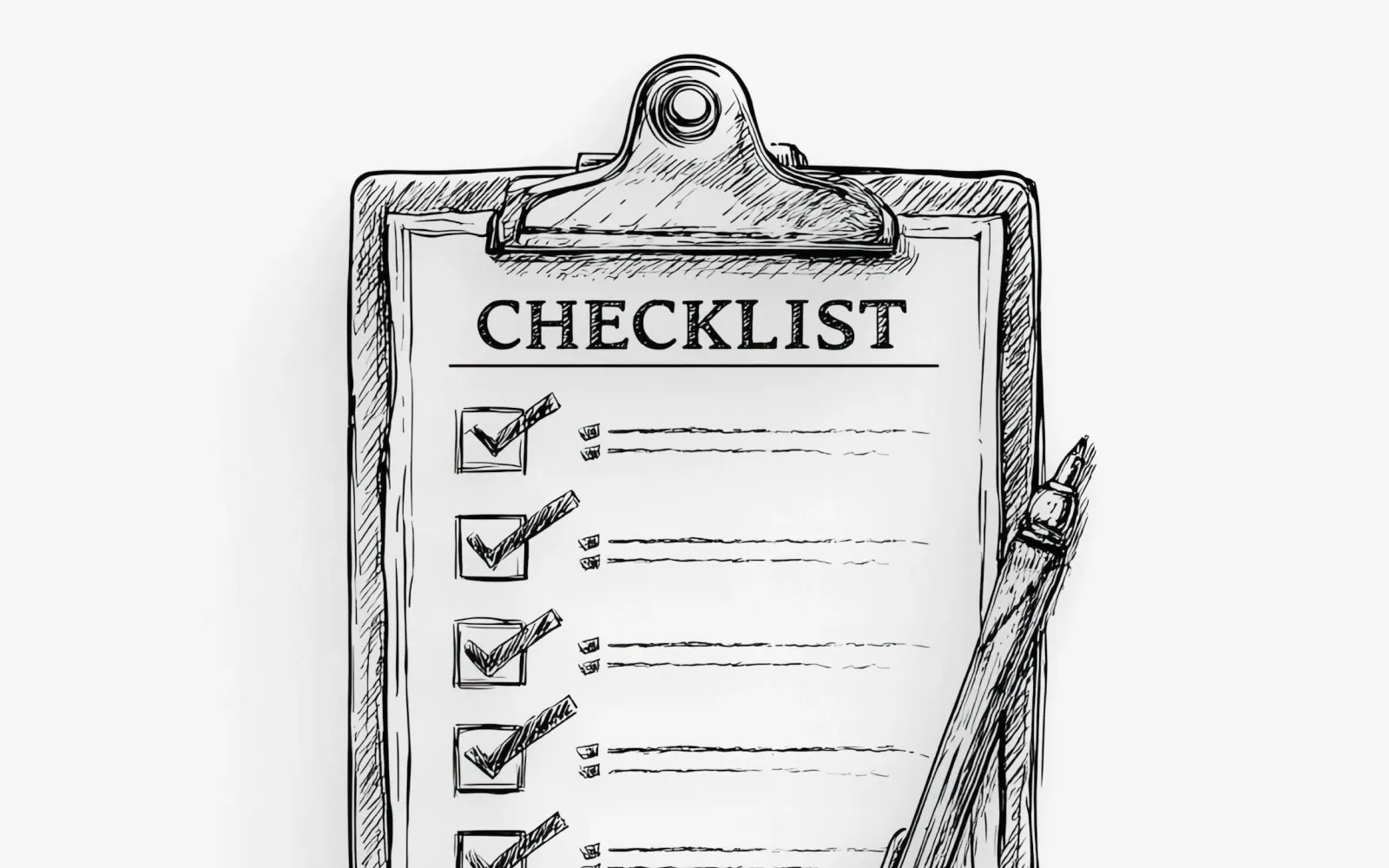
How to use this SaaS MVP UX checklist
Open your product in one window and this list in another, then answer each check with a plain yes or no. I count “mostly” as a no.
Once you’re done, sort the nos. Anything an investor will see in your demo goes to the top, and anything that slows your developers down comes after that. Everything else can wait for the roadmap.
I think an MVP should stay small, so the checks test the features you already have and whether they feel finished. In my view a small, finished product tells an investor more about the team than a long feature list does.
1. Core flows
Start with the one or two jobs your product exists to do, and walk through them the way a new user would.
| # | Check | If the answer is no |
|---|---|---|
| 01 | Can a new user finish the main job without someone guiding them? | Investors often ask to click around themselves. Users who get stuck rarely come back. |
| 02 | Does every core flow have a clear start and a clear end state? | If a flow ends on a blank page or a generic toast, people assume it broke, even when the data saved. |
| 03 | Is there one obvious primary action on each screen? | With two equal-weight buttons, people hesitate, and in a demo that hesitation looks like confusion. |
| 04 | Do error messages say what went wrong and what to do next? | “Something went wrong” is how a small bug becomes a support ticket. |
| 05 | Can users go back or undo without losing their work? | People who are afraid of losing work stop exploring. |
The flow I restructure most often is the main dashboard, since it’s the screen users see first every day.
2. Onboarding and empty states
Whether someone comes back gets decided in the first session. In an MVP that first session is also the part most likely to be unfinished, since the team built it with their own test data already loaded and rarely sees the empty version.
| # | Check | If the answer is no |
|---|---|---|
| 06 | Does the first screen after sign-up tell the user what to do next? | A fresh account with no direction leaves people guessing what the product is for, and most won’t guess for long. |
| 07 | Does every empty table, list or chart explain what will appear there and how to fill it? | Every new user sees the empty state, which makes it the cheapest place to teach the product, and a blank grid gives that chance away. |
| 08 | Can a new user load sample data or a demo workspace? | Most people won’t import their own data on day one, yet they still judge a B2B product by how it looks with real volume. |
| 09 | Can someone reach the product’s first useful result in a single session? | That first result is where users get the value. Investors are waiting for the same moment. |
| 10 | Are loading states designed, with skeletons or placeholders in the right places? | When the layout jumps around as data loads, the product feels fragile. |
3. Data and dashboards
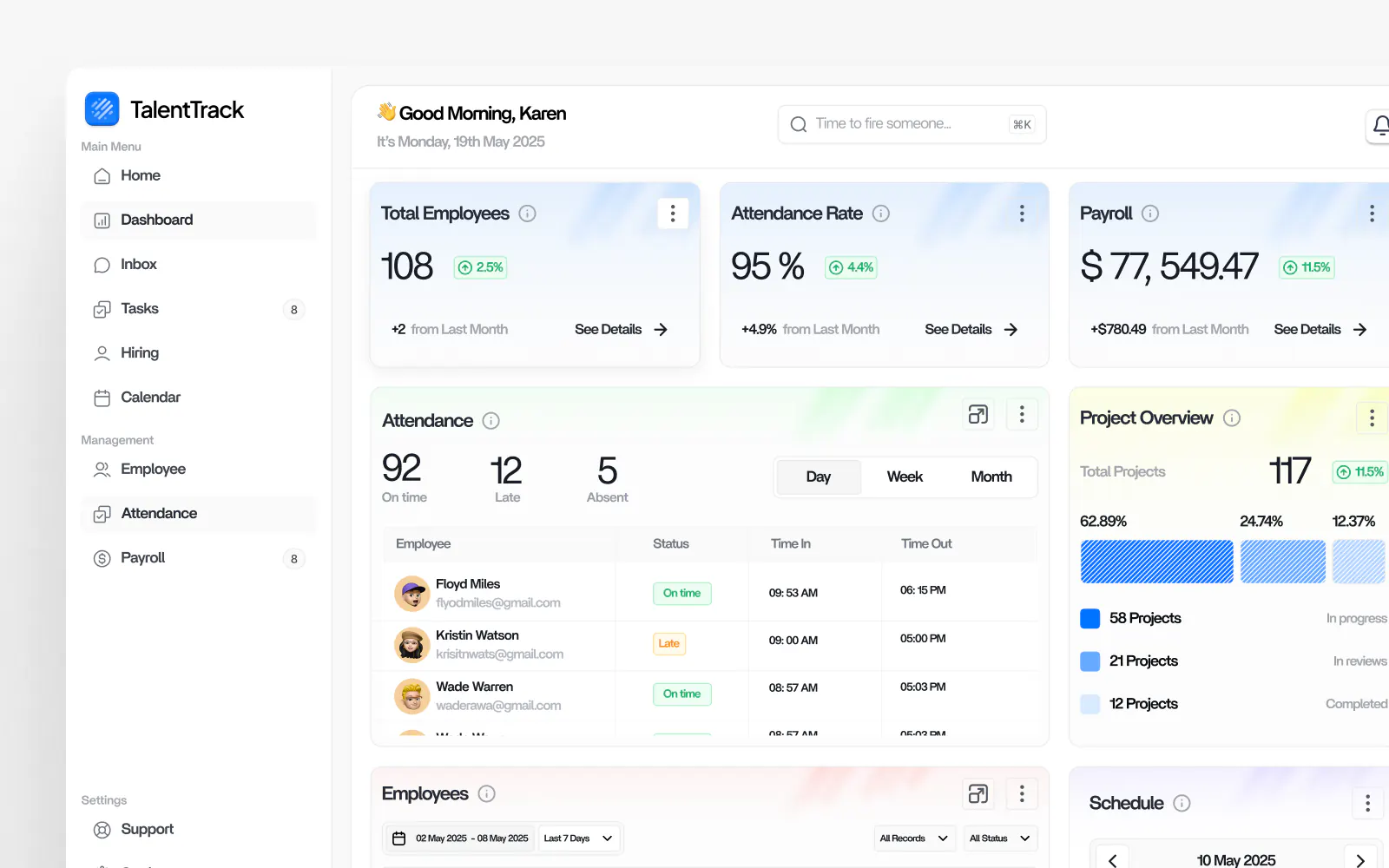
Most of my work is dashboards and admin panels, plus internal tools, and this is where rough MVPs show their seams fastest. The screens were designed around tidy placeholder data, and real data is longer and messier.
| # | Check | If the answer is no |
|---|---|---|
| 11 | Does the dashboard answer each role’s most important question in the first view? | Once users have to scroll or filter to find the main number, they stop opening the dashboard. |
| 12 | Is every number labelled with its unit and time range? | An investor who sees “1,204” on its own will ask what it measures, and you’ll spend demo time answering. |
| 13 | Do tables handle long text and empty cells, and still hold up at hundreds of rows? | Pilot customers bring real data, and a table that breaks under it is the first thing they notice. |
| 14 | Does each chart type fit the comparison it’s showing? | Pick the wrong chart and a good metric gets hard to read, while a weak one gets easy to question. |
| 15 | Are active filters and date ranges always visible? | Hidden filters lead people to trust numbers that don’t mean what they think they mean. |
I go much deeper on dashboard layout and chart choices, and on which metrics to show, in the SaaS dashboard design guide.
4. Roles and permissions
B2B products have more than one kind of user. Admins, managers and frontline users open the same product for different reasons. MVPs often get designed for one of them, and everyone else gets the same screens.
| # | Check | If the answer is no |
|---|---|---|
| 16 | Have you written down every role and what each one can see and do? | Without that map, permissions get decided ad hoc in code and the UX drifts with them. |
| 17 | Does each role land on a screen that’s relevant to them? | Drop a frontline user into an admin view and they’ll conclude the product wasn’t built for them. |
| 18 | When an action is restricted, does the UI explain why? | A greyed-out button with no reason reads as a bug. |
| 19 | Is inviting a teammate a designed flow? | B2B products grow inside an account through invites. Investors look for that expansion path. |
Most MVPs launch with 3 to 5 user roles, and one of my clients still had to add a new one after launch.
5. Consistency and design system
Inconsistency is the clearest sign that an MVP was built fast, screen by screen. It’s also one of the cheaper problems to fix, once a small set of shared components exists.
| # | Check | If the answer is no |
|---|---|---|
| 20 | Do buttons, inputs, tables and modals come from one shared component set? | One set of parts makes the product feel like one product, and each new screen gets faster to build. |
| 21 | Is there one type scale and one spacing scale? | Random sizes make even a good layout look unfinished. |
| 22 | Does the same task use the same pattern everywhere? (for example, editing a record) | People learn a pattern once and expect it to hold on the next screen. |
| 23 | Do status colours mean the same thing on every screen? | If red means “error” in one place and “overdue” in another, someone will misread the data. |
| 24 | Do you use the same word for the same thing throughout? | Call one object “Client”, “Customer” and “Account” and users will reasonably assume there are three objects. |
For an MVP, I’d define the handful of reusable components and patterns your current screens already use, once, and leave a full design system for later.
6. Developer handoff
When a design can’t be built as drawn, developers fill the gaps by guessing. I design developer-ready Figma files so this step goes smoothly, and these are the checks I hold my own files to.
| # | Check | If the answer is no |
|---|---|---|
| 25 | Is every screen built from shared components with named variants? | Developers can map each component to code once instead of measuring every screen. |
| 26 | Are hover, disabled, error, loading and empty states designed? | Undesigned states get invented during development, and every developer invents them a little differently. |
| 27 | Are edge cases and responsive behaviour annotated? | A note in the file answers the question before it turns into a Slack message mid-sprint. |
| 28 | Is there one Figma file the team treats as the source of truth? | If three versions of a screen exist, sooner or later someone builds the wrong one. |
The habit developers thank me for most is annotated specs (notes on behaviour, spacing and logic).
If you’re weighing whether to bring in help for this, I’ve written up what it costs to hire a SaaS product designer.
7. Demo-readiness for investors
An investor demo is short, and you rarely get a second take. Run these on the exact path you’ll click through on the call.
| # | Check | If the answer is no |
|---|---|---|
| 29 | Do you have a scripted demo path that reaches the core value within the first few minutes? | Attention is highest in the opening minutes, so the core value has to land there. |
| 30 | Is the demo account loaded with realistic, believable data? | “Test Company 1” and “asdf” undermine the story you’re telling about real customers. |
| 31 | Are unfinished features hidden or clearly labelled as coming soon? | After one dead link, investors start wondering what else doesn’t work. |
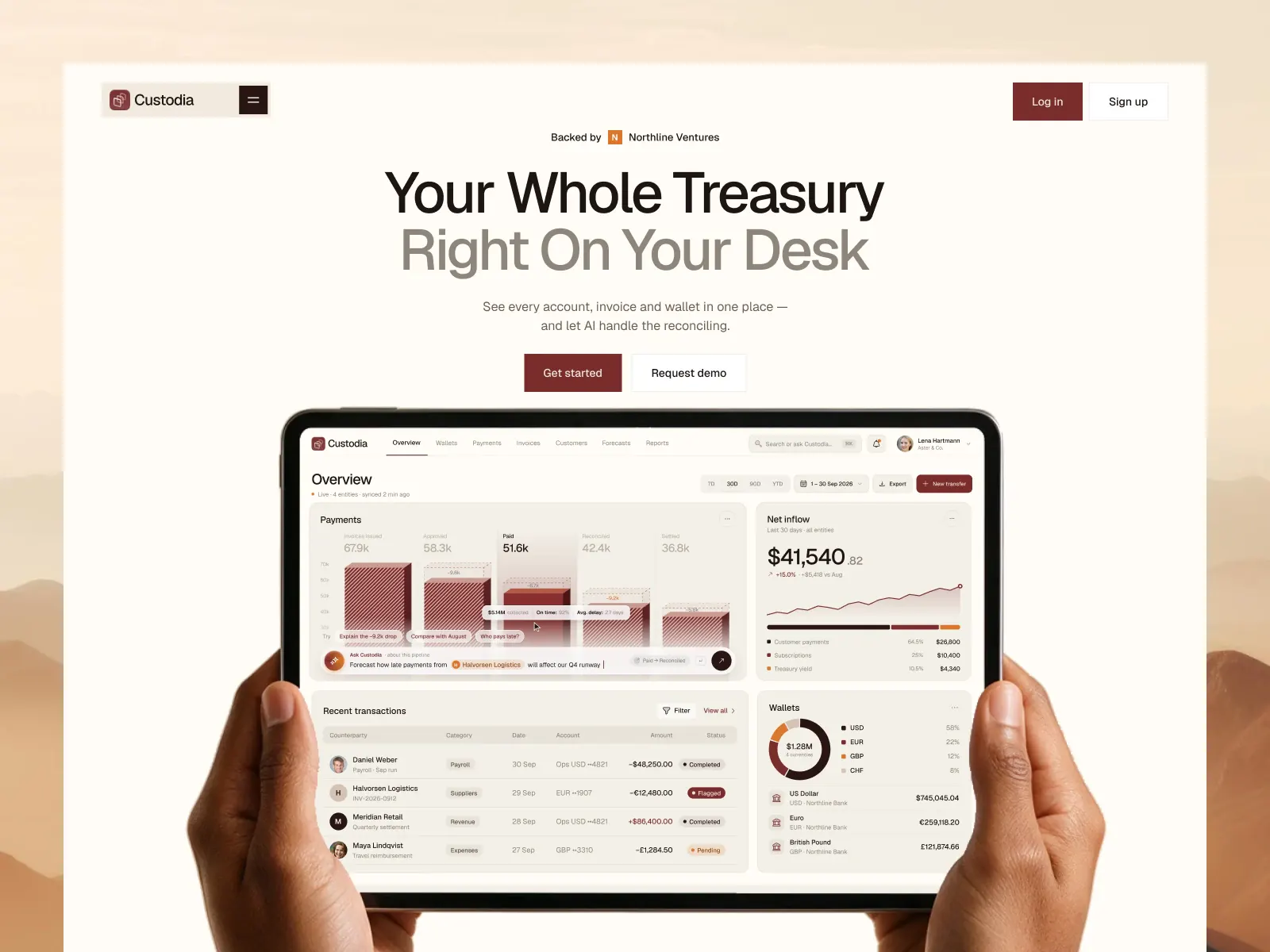
| 32 | Does the product look like it belongs to the same company as your deck and website? | When the product matches the deck and the site, investors read it as a team that pays attention to detail. |
| 33 | Have you rehearsed it on the screen you’ll present on, including a shared video call? | Small text and dense tables that look fine on your monitor can turn unreadable on a shared screen. |
What founders tell me most often after the UX work is that in their investor demos, the product looks like a real product.
What to fix first when the pitch is close
If you have weeks rather than months, this is the order I’d work in. Start with group 7 and every no that sits on your demo path. Empty states and onboarding come second, because a curious investor will open those screens on their own. After that comes consistency, since a few shared components clean up many screens at once. Roles and handoff can follow the raise, as long as you know where the gaps are.
FAQ
What should a SaaS MVP include from a UX point of view?
Working core flows with clear start and end states, designed empty and loading states, labelled data, a screen for each main role and a consistent set of components. I’d keep the feature list small and spend the effort on making each feature feel finished.
What makes an MVP investor-ready?
An investor-ready MVP lets someone outside the team understand the value in a short demo and click around without hitting dead ends. In practice that means realistic demo data and a scripted path to the core value, in a product that looks like it belongs with the pitch deck.
How long does it take to make an MVP investor-ready?
Usually 2 to 4 weeks. Where it lands in that range depends on how many of these checks come back as no.
Do I need a design system for an MVP?
Yes, but a small one. Shared components for the elements you already use, one type scale, one spacing scale and consistent status colours are enough to keep the product consistent and make handoff faster. A larger system can grow with the product.
Book a free intro call
If you ran through this checklist and found more nos than you have time to fix before your pitch, I can help. I work with early-stage B2B SaaS and AI teams from discovery through high-fidelity UI, and I hand over developer-ready Figma files your engineers can build from.
Book a free intro call and bring your MVP. Or see more of my work on the homepage.